Case study ·
React.ee — A React Guide Drawn as a Component Tree
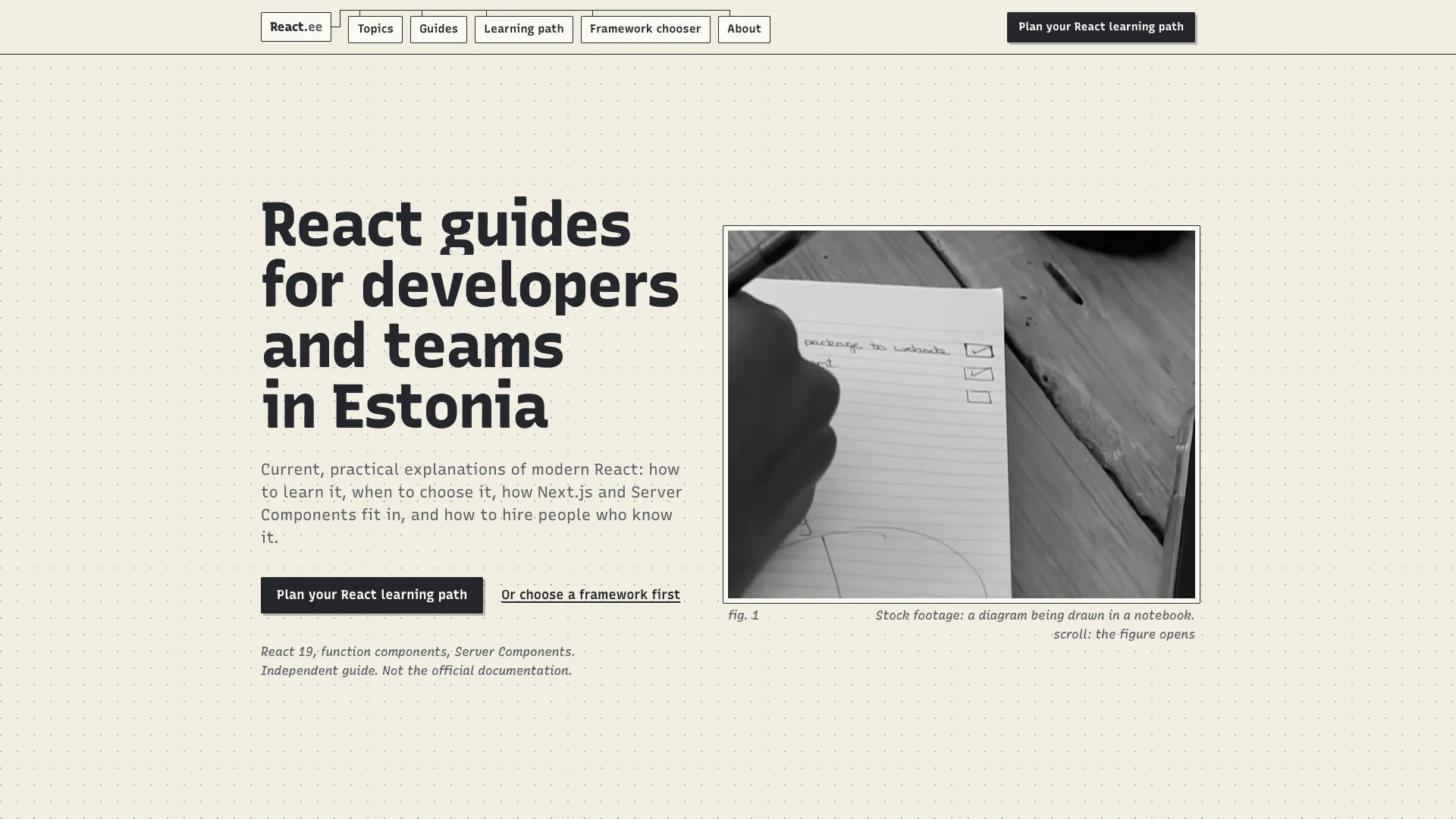
React.ee is an English-language guide to React for developers and teams in Estonia. It covers how to learn React today, how it compares with Vue, Svelte and Angular, how the Next.js App Router and React Server Components work, how to approach state management and testing, and how to hire React developers. It is written for developers at any stage and for founders and team leads who have to choose a stack. We designed and built the site end to end, and we still run it.
The opportunity
React is the default answer for a lot of frontend work, and the advice around it ages fast. Tutorials still teach patterns from before function components, and the arrival of Server Components left many developers unsure what runs where. Meanwhile the people who decide on a stack and hire for it, founders and team leads, have almost nothing written for them in Estonia: what a React developer costs, how to assess one, whether to hire an employee, a freelancer or an agency.
The brief was one site for both audiences, current as of React 19, careful about what changes quickly, and clear that it is not the official documentation.
What we built
A component tree that React works on
The homepage is a scroll story drawn as a notebook figure. It starts with a tree of components, App at the root, then Header, a product page and Footer, with a Cart further down. It then shows five things React does to that tree: the initial render, an event, a re-render, the boundary, and hydration. Each gets a short, concrete caption. A click reaches the component that owns the state. React re-renders from the owner down and nothing above or beside it. A "use client" file splits the tree in two. The first response is HTML, then React hydrates it. Cyan is used for one thing only: rendering now.
Drag the state, see what re-renders
The idea that trips people up most is where state should live. So the page lets the reader drag the cart state onto a component, with AddButton, Cart, CartLine and their parents on the board, and shows what re-renders. It states the default behaviour without memoisation, and notes that memo or the React Compiler can skip a child whose props did not change.
Seven topics, three branches
The seven topics are grouped as learn, teams and build: the learning path, React versus alternatives, Next.js and the App Router, React Server Components, state management, testing, and hiring React developers. The four guides cover what a React developer costs in Estonia, how to learn React in 2026, Server Components explained, and how to choose between React, Vue, Svelte and Angular. Each opens with the direct answer. The homepage also sets out the order to learn it in, six numbered stages from JavaScript before React to testing and shipping, each ending with something to build.
Two tools that stay in the browser
The learning path planner takes what you already know, your goal and your hours per week, and builds an ordered path. The framework chooser asks about team size, existing skills, product type and hiring plans, and suggests React, Vue, Svelte or Angular with its reasoning and a runner-up. Both run entirely in the browser and send nothing. The site says openly that the hour estimates and weights are editorial judgement.
Independent, and honest about it
The site says on every page that it is an independent guide, not affiliated with, sponsored by or endorsed by Meta, and points to react.dev for the official documentation. Where an interface is still changing between framework versions, the guides explain the concept and leave out the detail. For search and AI assistants, it has FAQPage structured data, an RSS feed and an llms.txt with a full-text companion. Stock footage is credited on its own page.
The result
React.ee went live on 13 November 2026, built in a week. It has seven topics, four guides and two tools, and it explains the part of React people find hardest, where the work happens, by showing it.